
 PUTIN VERIFIED
TradeInfo MT5 Pro v2.02 – Professional Account & Trade Analytics Dashboard
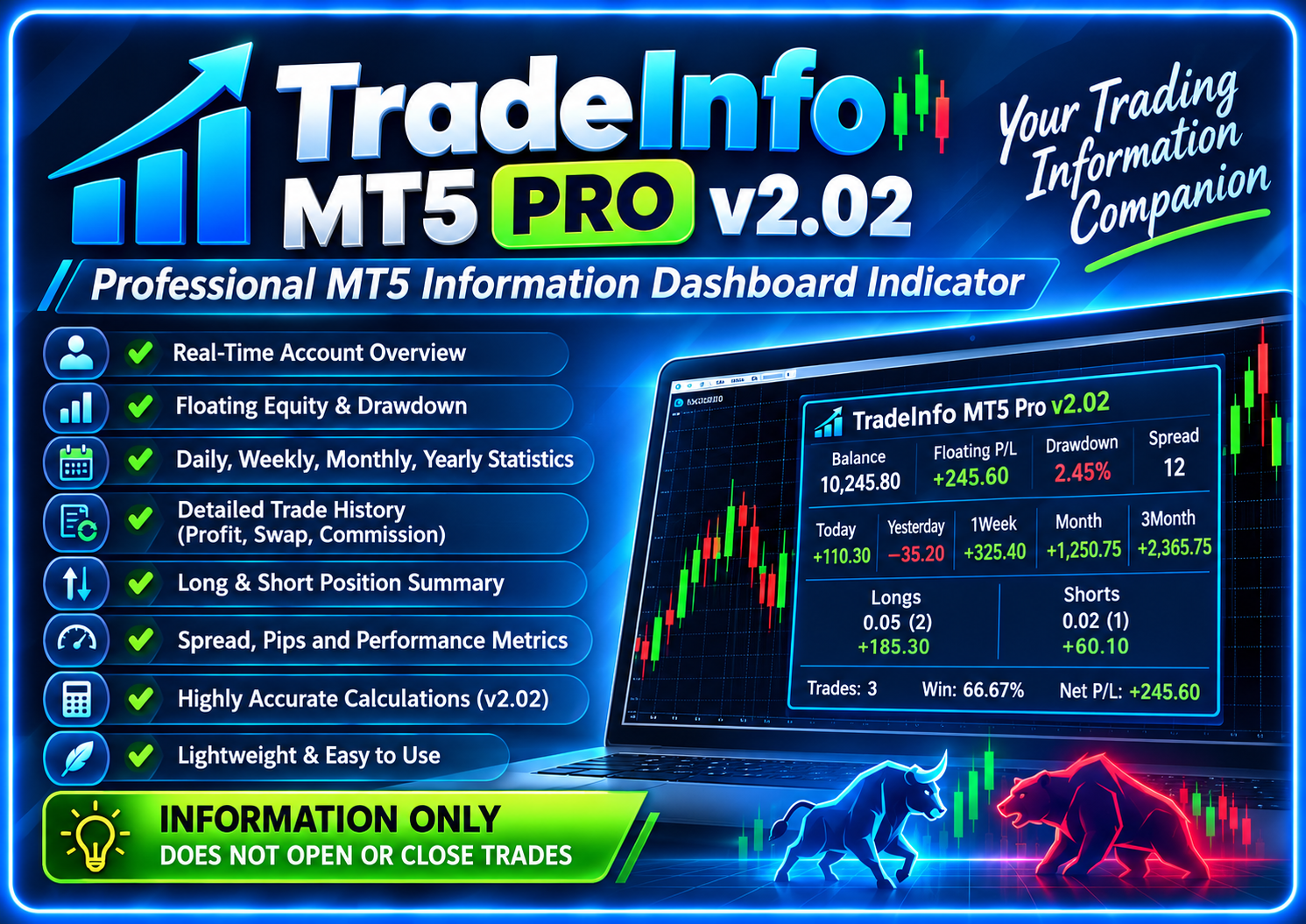
TradeInfo MT5 Pro v2.02 is a professional read-only MetaTrader 5 account and trade analytics dashboard indicator with real-time equity, drawdown, position statistics, pips, realized profit and detailed Today/Week/Month/Year performance history.
Install with confidence
Watch seller-provided setup videos and open the documentation included with this product.
Product story, features & implementation
Rich seller-managed content cards with images and structured text.
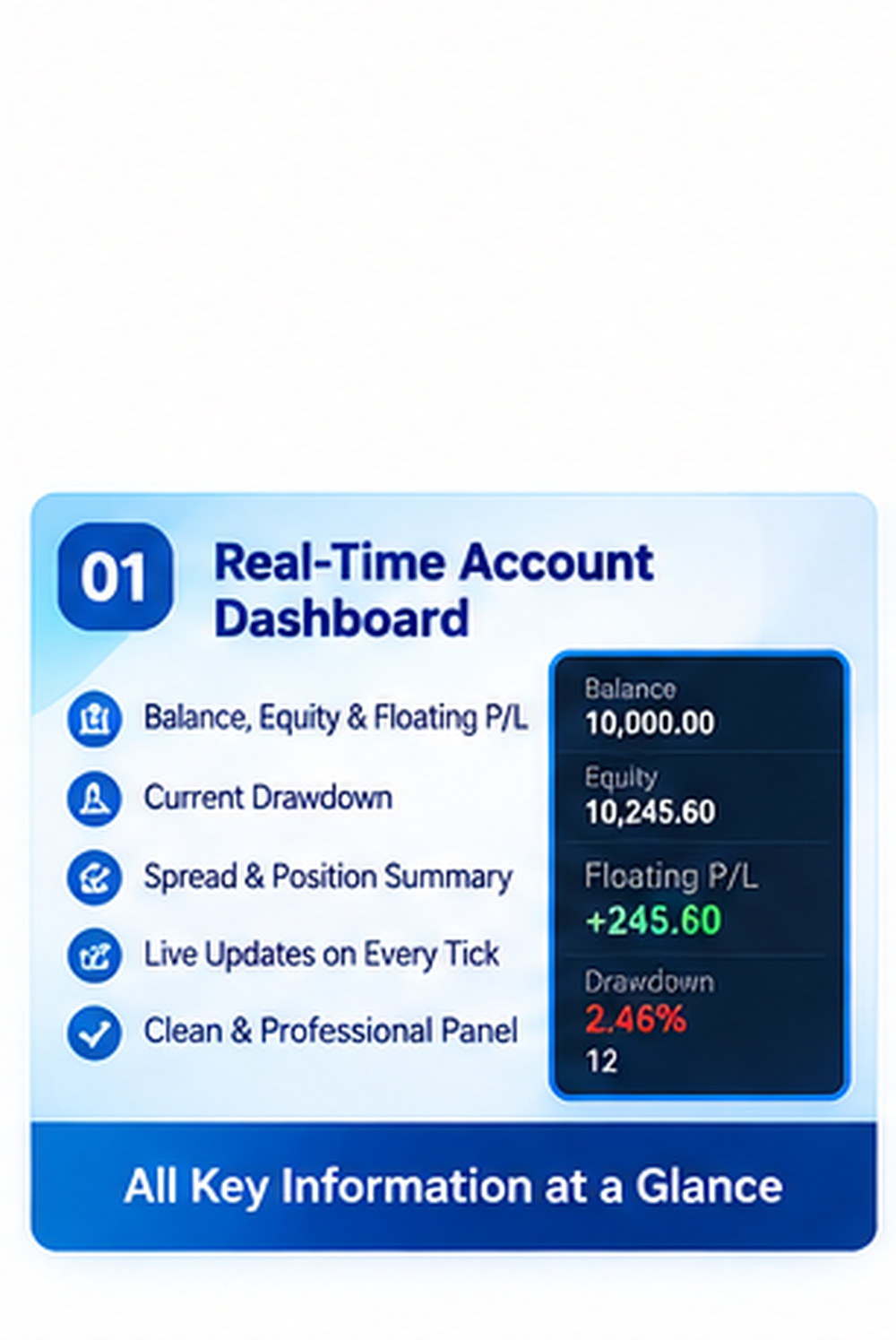
Real-Time Account Dashboard
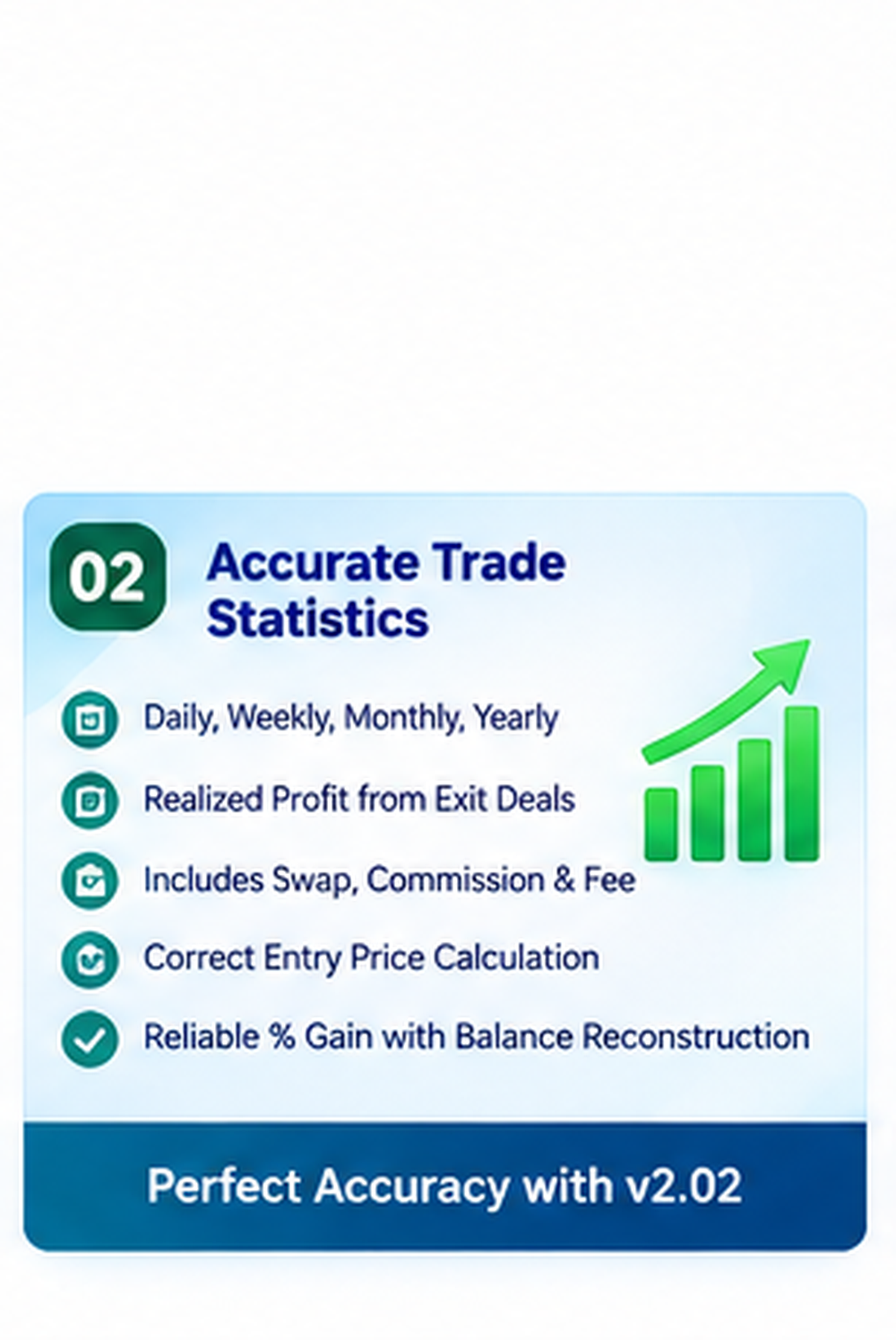
Accurate Trade Statistics
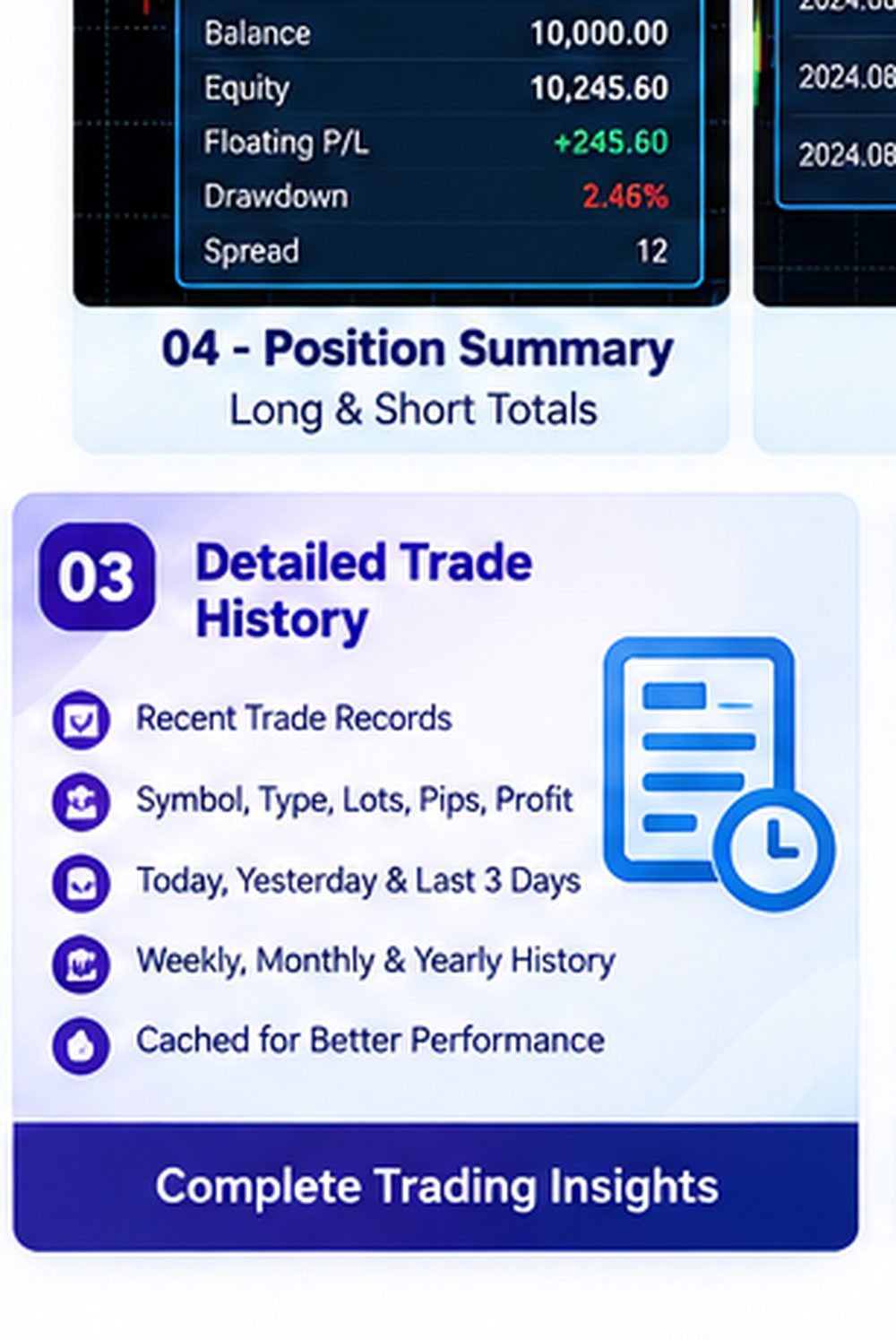
Detailed Trade History
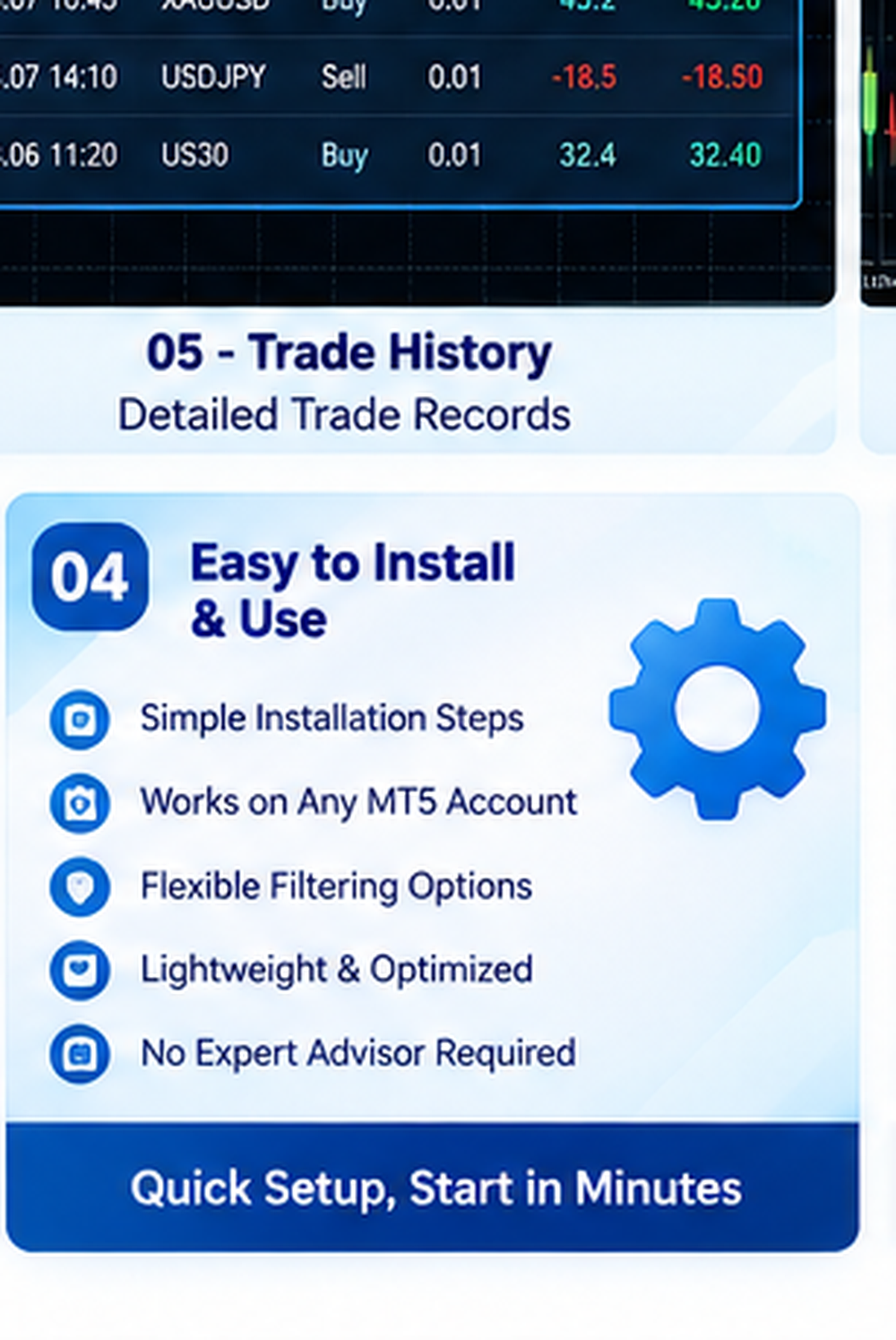
Easy to Install & Use
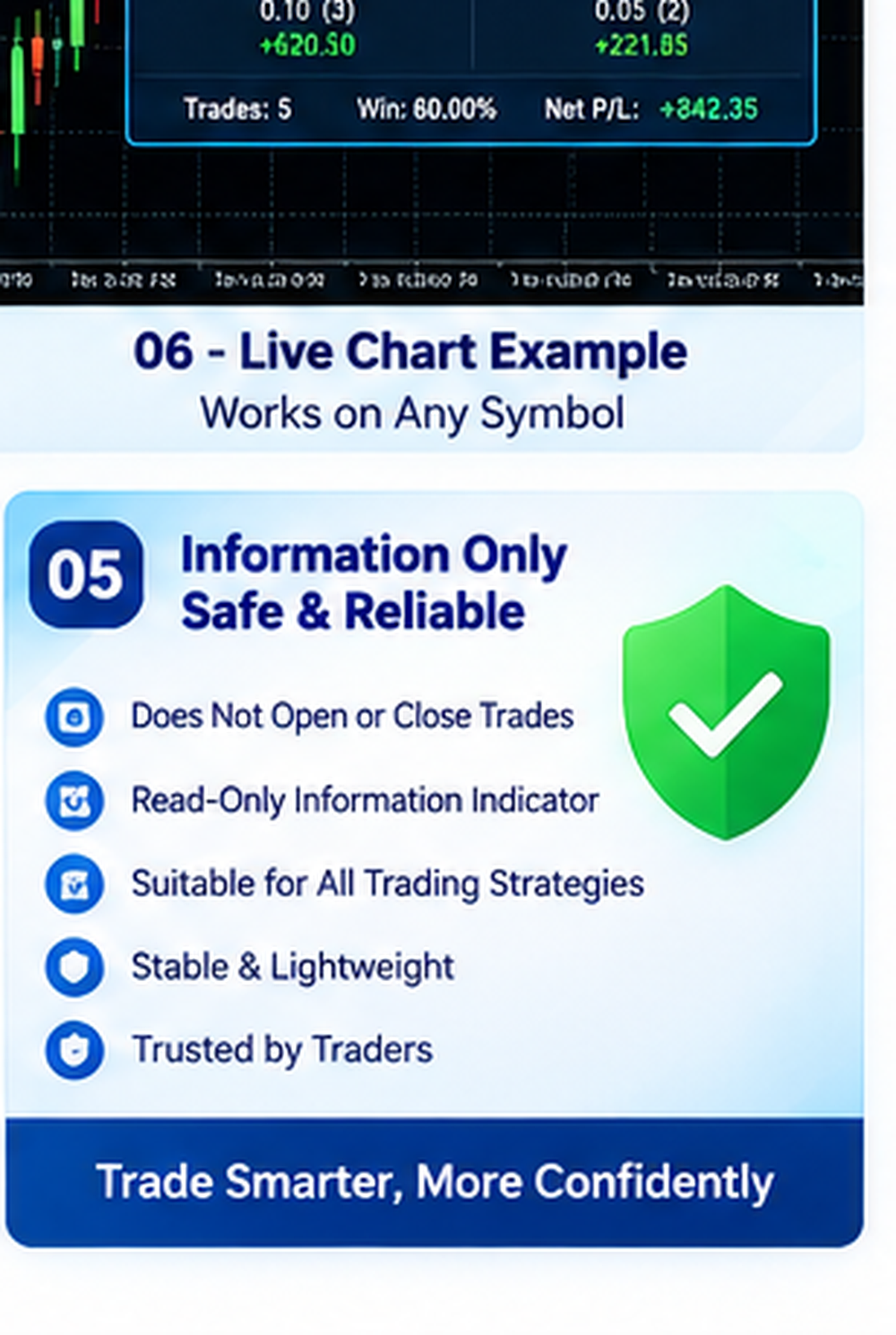
Information Only – Safe & Reliable
Built for real deployment
TradeInfo MT5 Pro v2.02 – Professional MT5 Account & Trade Analytics Dashboard
TradeInfo MT5 Pro v2.02 is a professional MetaTrader 5 information dashboard indicator designed for traders who want important account, position and historical trading information directly on the chart.
The indicator is information-only. It does not open, close or modify trades and does not interfere with your existing Expert Advisors, manual trading strategy or order-management system.
View important MetaTrader 5 account information directly on your trading chart, including Balance, Equity, Margin, Free Margin, Margin Level, Leverage and broker/server information.
Floating Equity, Current Drawdown, Spread and Long/Short position totals are refreshed with incoming market ticks so the dashboard remains synchronized with the latest available terminal data.
TradeInfo MT5 Pro provides a clear summary of active Buy and Sell positions, including total number of positions, total lot size, floating profit/loss and estimated pip performance.
Long and Short positions are displayed separately so traders can quickly understand current market exposure.
Performance information is organized into easy-to-read periods:
• Today
• Yesterday
• Week
• Month
• Year
Each period can display useful analytics such as lots, gain percentage, profit and pips.
Version 2.02 introduces important calculation improvements for more reliable account analytics.
Realized trading history is calculated from MT5 exit deals including OUT, OUT_BY and INOUT deal types.
Realized money profit includes:
• DEAL_PROFIT
• DEAL_SWAP
• DEAL_COMMISSION
• DEAL_FEE
For pip calculations, the indicator reconstructs the entry price from the complete MT5 position history using HistorySelectByPosition(). This allows positions opened before the currently displayed reporting day to still be calculated more accurately.
Period Gain % also reconstructs the account balance at the beginning of the selected period and accounts for deposits, withdrawals, credits and balance operations. This prevents external balance transactions from incorrectly distorting trading gain percentages.
Live floating information remains responsive while realized profit-history calculations are cached for approximately 10 seconds. This reduces unnecessary full-history scanning and helps keep the indicator lightweight.
The indicator includes filtering options that can be used to analyze:
• Complete account activity
• Attached chart symbol only
• Custom history start date
For a complete account-level first test, recommended settings are:
OnlyAttachedSymbol = false
CommentFilter = empty
StartDateFilter = empty
The dashboard can display useful risk-related information and estimated lot calculations based on configurable risk settings and stop-loss distance.
These figures are informational calculations only and do not automatically execute orders.
Installation is simple:
Open MetaTrader 5.
Select File → Open Data Folder.
Open MQL5 → Indicators.
Copy TradeInfo_MT5_Pro_v2_02.mq5 into the Indicators folder.
Open MetaEditor.
Compile the MQ5 file.
Refresh MT5 Navigator.
Attach TradeInfo MT5 Pro v2.02 to your chart.
A complete PDF installation guide is included with the product.
IMPORTANT
TradeInfo MT5 Pro v2.02 is a dashboard and analytical indicator only.
It does not open trades, close trades, modify positions or manage your trading account automatically.
It can therefore be used alongside manual trading systems and Expert Advisors as an independent information dashboard.
• Long / Short position totals
• Lot-size information
• Spread monitoring
• Pip calculations
• Realized profit statistics
• Swap, commission and fee inclusion
• Today / Yesterday history
• Previous trading-day history
• Weekly statistics
• Monthly statistics
• Yearly statistics
• Gain percentage calculation
• Comment filtering
• Attached-symbol filtering
• Broker and server information
• Lightweight history caching
• Read-only operation
• No automatic trade execution
Ideal for manual traders, EA users, account monitoring, trading-performance analysis and traders who need important MT5 information directly on the chart.
Server & software requirements
Technical requirements supplied for this product, arranged for faster deployment checks.
MetaTrader 5 desktop terminal, MQL5 / MetaEditor 5, Windows PC or compatible MT5 desktop environment. Active broker account and market/history data are required for live and historical statistics. No PHP, MySQL, Node.js, web server, VPS or database is required.
License, package & delivery details
Verified buyer reviews
Purchase-linked feedback that helps buyers evaluate quality, delivery and seller support.
No verified buyer has reviewed this product yet. Reviews become available after an eligible purchase.